Stop answering the same guest questions every week.

Paste what you already send — Sonnim turns it into a guide page that answers for you, in your guest's language.

Reading Picnic Stay Inman Park
P
Picnic Stay Inman ParkINMAN PARK · ATLANTA
EN
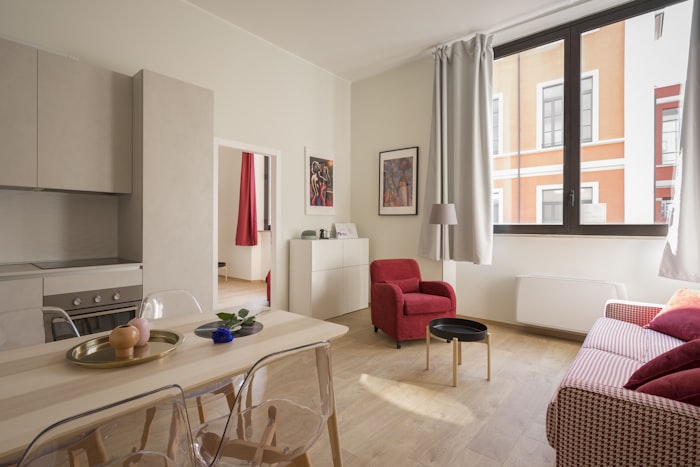
Living room

Welcome

What you'll need during your stay

What's the Wi-Fi password?

Essentials

Getting in1204#
Wi-Fipicnic_3F · inman0312Copy
Check-in · outCheck-in 4 PM · Check-out 11 AM
Getting here12 Waverly Way NE, 3rd floor, AtlantaMap
Open this sample page →

How is this different from what you do now?

Write the guide just once. Sonnim handles guest inquiries for you.

Updating the guideOld wayResend the message to every booked guestSonnimOne link, updated instantly for everyone
Repeat questionsOld wayYou reply to each one, every timeSonnimAnswered instantly from your registered guide
Foreign guestsOld wayRun a translator and write one per languageSonnimSwitches to the guest's language on open
Missing informationOld wayYou only notice once guests start askingSonnimEssential items checked while you build the page
Building the guideOld wayFill in a form, one blank at a timeSonnimCopy and paste your existing guide once

3 steps, done in a minute

No setup. Add the guide you already have and Sonnim organizes the rest.

  1. Start window where you paste a listing link
    STEP 01

    Add what you already have

    Paste your Airbnb link, a chat announcement, or a photo of your house guide — whatever you use today. Text and images are read and turned into a draft guide page.

  2. Editing screen showing the guide as guests will see it
    STEP 02

    Check it as your guest sees it

    Review the exact screen guests will see and switch items on or off. Easily missed essentials like Wi-Fi and door codes are flagged before you finish.

  3. Issued link and printable QR code
    STEP 03

    Send it as a link or QR code

    Copy the one link into your booking confirmation message. A printable QR code guide for the property comes with it.

Pricing

Free while we grow.

Everything is free in 2026 — the AI answers, the translations, the QR, all of it. Create your account this year and it stays free for life. We're new to the US market, and early hosts teach us the most.

No credit card. No trial clock. No feature limits.

Frequently asked questions before starting

The questions hosts ask most before they start.

Do guests need to install an app or sign up?

No. Guests open the link in their web browser and see the guide page right away — no app, no account.

Can anyone with the link see the door lock password?

Yes. Anyone who receives the guide link can view it. Sonnim links are unique addresses made of 22 random characters, so a third party cannot guess or stumble into one. If a guest forwards the link to their companions, though, they can view it too.

Security recommendation
If your door lock PIN is fixed, we recommend sending it separately via individual reservation messages. If you have listed the number on the guide page, you can click [Create new link] after guest check-out to immediately expire access to the existing link.

Will the AI make things up (hallucinate)?

No — it never invents answers. When a question is not covered by your registered guide, it does not improvise; guests see “That is not in the guide. Please ask the host directly.” and are pointed to you. Every answer also shows which guide item it came from.

Do I have to translate the guide myself?

No. Write it once in English and it is supported in multiple languages automatically. When the link is created it is translated into 5 languages (Spanish, French, German, Portuguese, Simplified Chinese), and guests can pick from 10 languages on their screen.

Can I use it alongside Airbnb and other booking platform messages?

Yes. Just add the Sonnim link to the booking confirmation message you already send.

※ Sonnim provides the stay guide only. It takes no part in bookings or payments.

Does it cost anything?

Every feature is currently free. Hosts who sign up in 2026 keep free access for life.